
Background Texture

Pharma OS · by FixityTech

One OS for
Pharma Quality
& Compliance.

Eight purpose-built modules — LIMS, DMS, TMS, QMS, CPV + APQR, AI Document Review, QMD Pro, and Pharma Lens — sharing one audit trail and one set of roles.

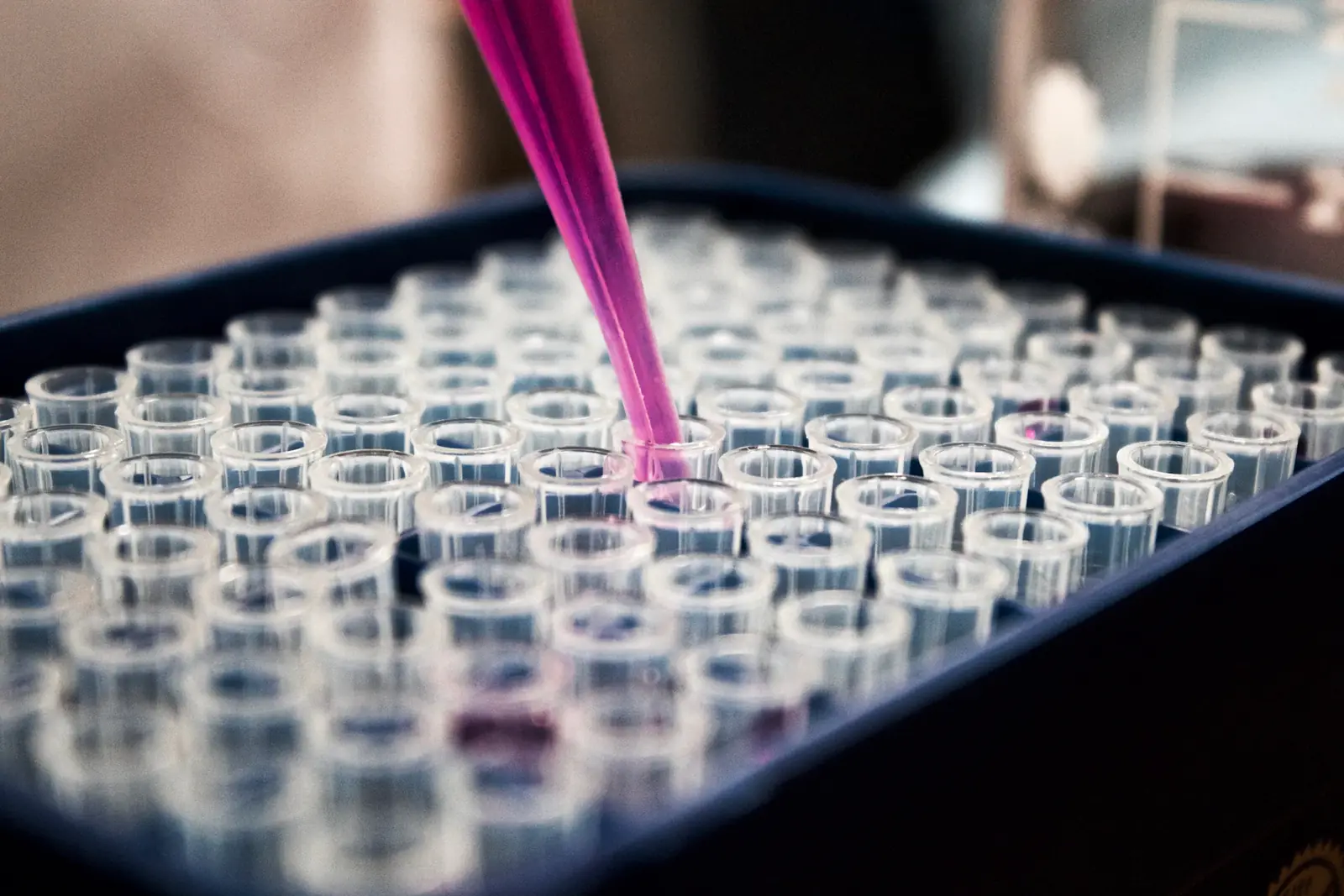
Pipette dispensing samples into a test plate

One Unified OS

21 CFR Part 11 · GMP Compliant · ALCOA+ · ICH Q10

0Modules — one unified OS
0%Audit coverage — electronic trail
0LIMS stages — sample lifecycle
0QA checkpoints — per batch record
Module detail

Inside Every Module

Pick a module to see what it does, how it flows and what it looks like.

01 · FixityTech LIMS

Laboratory Information Management

A single system of record for the full QC test lifecycle — from sample receipt and registration, through analyst raw-data worksheets, to QC-reviewed and QA-approved certificates of analysis. Every action is e-signed, every field is auditable, every workflow enforces segregation of duties.

  • Sample management from inward and registration to dispatched COA
  • On-screen raw-data worksheets: analyst fills, QC reviews, QA signs — no paper
  • Branded COA templates with issue-copy numbering and reissue control
  • Analyst Qualification per technique with automatic requalification dates
  • Equipment usage log, instrument data integration, stock and expiry tracking
  • Immutable audit trail with CSV/PDF export, and 21 CFR Part 11 e-signature on every action
GMPALCOA+
Explore LIMS in depth
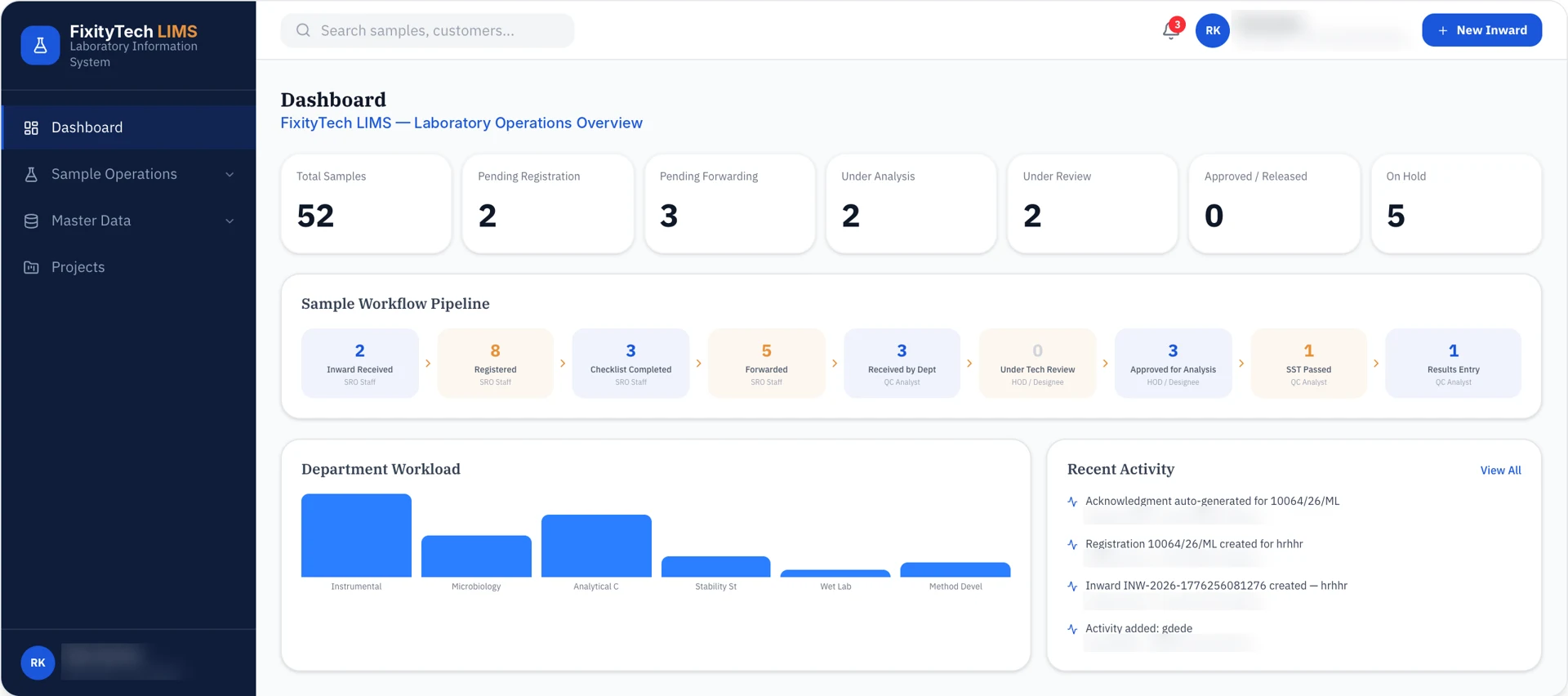
FixityTech LIMS
FixityTech LIMS — Laboratory Information Management

The 9 stages

9 steps
  1. SRO Staff

    1. 01Inward Received
    2. 02Registered
    3. 03Checklist Completed
    4. 04Forwarded
  2. QC Analyst

    1. 05Received by Dept
  3. HOD / Designee

    1. 06Under Tech Review
    2. 07Approved for Analysis
  4. QC Analyst

    1. 08SST Passed
    2. 09Results Entry
FixityTech LIMS · in depth

From Sample Receipt to Signed COA.

Designed for traceability, accountability, and data integrity from sample receipt to certificate of analysis.

  • 21 CFR Part 11E-signature on every workflow action
  • ALCOA+Audit trail covers every mutation
  • GxP readyMaker-checker-approver on every record

Workflow · sample to signed COA

  1. 01

    Sample arrives

    QC Inward registers it and allocates a registration number.

    QC Inward
  2. 02

    Testing starts

    The analyst picks the Raw Data Worksheet, captures readings and submits for QC review.

    Analyst
  3. 03

    QC reviews

    Approves or sends back; approved fills roll into the Test Report Worksheet (COA).

    QC Reviewer
  4. 04

    COA signed off

    QA Head approves and the COA is dispatched to the customer.

    QA Head
Audit TrailRecords every signature, mutation and view event, exportable on demand. — across all four steps.

Running in parallel

Analyst Qualification

Qualifies analysts on each technique.

Planners

Schedule recurring GxP activities.

Stock List

Tracks inventory consumption and expiry.

Equipment Usage Log

Journals every instrument session.

13 functional areas

Everything the QC Lab Runs On

Grouped by what the lab is doing. Scroll through each area, or jump to a group. Click a screen to look closer — sensitive data is blurred.

Sample to COA · 1 of 4

Dashboard

Opens straight to “what’s waiting for you today” — pending reviews, approvals and sign-offs scoped to the signed-in user’s role.

  • Role-aware to-do surface
  • Deep links to every action item
  • Clear empty state when caught up (“No pending action from you”)

Sample to COA · 2 of 4

Sample Management

Single system of record for every sample from receipt to certificate — closed-sample dossiers you can audit years later.

  • Inward + Registration pipeline — one inward, multiple registrations
  • Per-registration lifecycle: Received → Assigned → In Testing → Reported → Dispatched
  • Customer, batch and sample-name tracking
  • Latest COA linked back to every sample, with dispatch status

Sample to COA · 3 of 4

Raw Data Worksheets

Branded, variable-driven data-collection forms the analyst fills on-screen, QC reviews on-screen and QA signs on-screen. No paper, no re-transcription.

  • Visual worksheet builder with versioned revisions
  • Draft → Pending Review → Approved lifecycle
  • Variables bound to the sample, instrument, standards and limits
  • Per-page approval and e-signature trail

Sample to COA · 4 of 4

Test Report Worksheets (COA)

Branded Certificate-of-Analysis templates built once, issued many times — with issue-copy numbering built into the document.

  • Template authoring with Draft / Pending Review / Approved states
  • Per-issue copy numbering (YY/NNNNN) tied to the issued-to party
  • Reversion and reissue governance built in
  • Deactivation request + QA approval workflow
Built for regulators

From Lab to Batch Release — One Trail.

Every step of the quality lifecycle is captured in the same system, by the same roles, in the same audit trail.

  1. 01

    Qualify people

    Assign role-based training, track compliance and certify GMP competency.

    TMSPharma Lens
  2. 02

    Control documents

    Author, review, approve and distribute SOPs with Part 11 e-signatures.

    DMSQMS
  3. 03

    Test samples

    Move each sample through 9 tracked stages with 4-tier review.

    LIMS
  4. 04

    Review batches

    AI extracts batch records and runs an 18-point QA checklist.

    AI Document Review
  5. 05

    Release & trend

    Release batches, monitor CPV control charts and generate the APQR.

    CPV + APQR
  6. 06

    Measure quality

    Track 7 live quality KPIs across products and time ranges.

    QMD Pro
Compliance by design

Inspection-Ready from Day One.

21 CFR Part 11

Electronic records and e-signatures with a complete, tamper-evident audit trail.

GMP

Workflows modelled on Good Manufacturing Practice for labs, documents and batch release.

ALCOA+

Data that is attributable, legible, contemporaneous, original and accurate — plus complete, consistent, enduring and available.

ICH Q10

Supports the pharmaceutical quality system: change control, CAPA, management review and continual improvement.

Why Pharma OS?

Faster Decisions. Fewer Gaps.

Faster documentation & reporting cycles

AI-assisted OCR, extraction and one-click APQR cut manual review and reporting cycles.

Better compliance readiness across QA workflows

Part 11 e-signatures, ALCOA+ data and a single audit trail across every QA workflow.

Improved visibility, control & consistency

Shared roles and live dashboards give consistent oversight from lab bench to leadership.

Modular — start with one module, expand to full OS

Start with one module and expand to the full OS without re-implementing roles or data.

“Pharma OS digitizes quality workflows and enables faster, reliable batch decisions with AI-assisted documentation, verification, and reporting.”
— Pharma OS Product Brief

From lab to batch release — one unified OS for every quality, compliance, and documentation workflow.

Run your pharma quality on one OS.

Request a Demo